
On this page
Select a fiber optic adapter from the two connectors it must mate and the panel it must fit. Confirm interface combination, polish compatibility, simplex or duplex footprint, sleeve material, mounting method, shutter or dust protection, housing, and quantity.
An adapter aligns two connector ferrules, but its selection is not limited to the connector name. The internal sleeve, interface geometry, housing footprint, flange or clip, shutter, panel thickness, and installation direction all affect fit and serviceability.
Treat the adapter as both an optical alignment component and a mechanical panel component. The two connector interfaces define the optical path; the enclosure or panel defines how the adapter must mount and be accessed.
Define both mating connectors and the panel opening
Record Connector A and Connector B, including connector family and polish. A same-interface adapter couples two matching connector families, while a hybrid adapter transitions between different families. Neither description replaces the need to state both sides.
Next document the panel cutout, mounting direction, panel thickness, flange, clip, screw, or snap-in requirement. An adapter can be optically correct but mechanically unusable if the footprint or retention method does not match the enclosure.
For dense or protected panels, include shutter direction, dust-cap access, port labeling, and the space needed to insert and remove connectors.
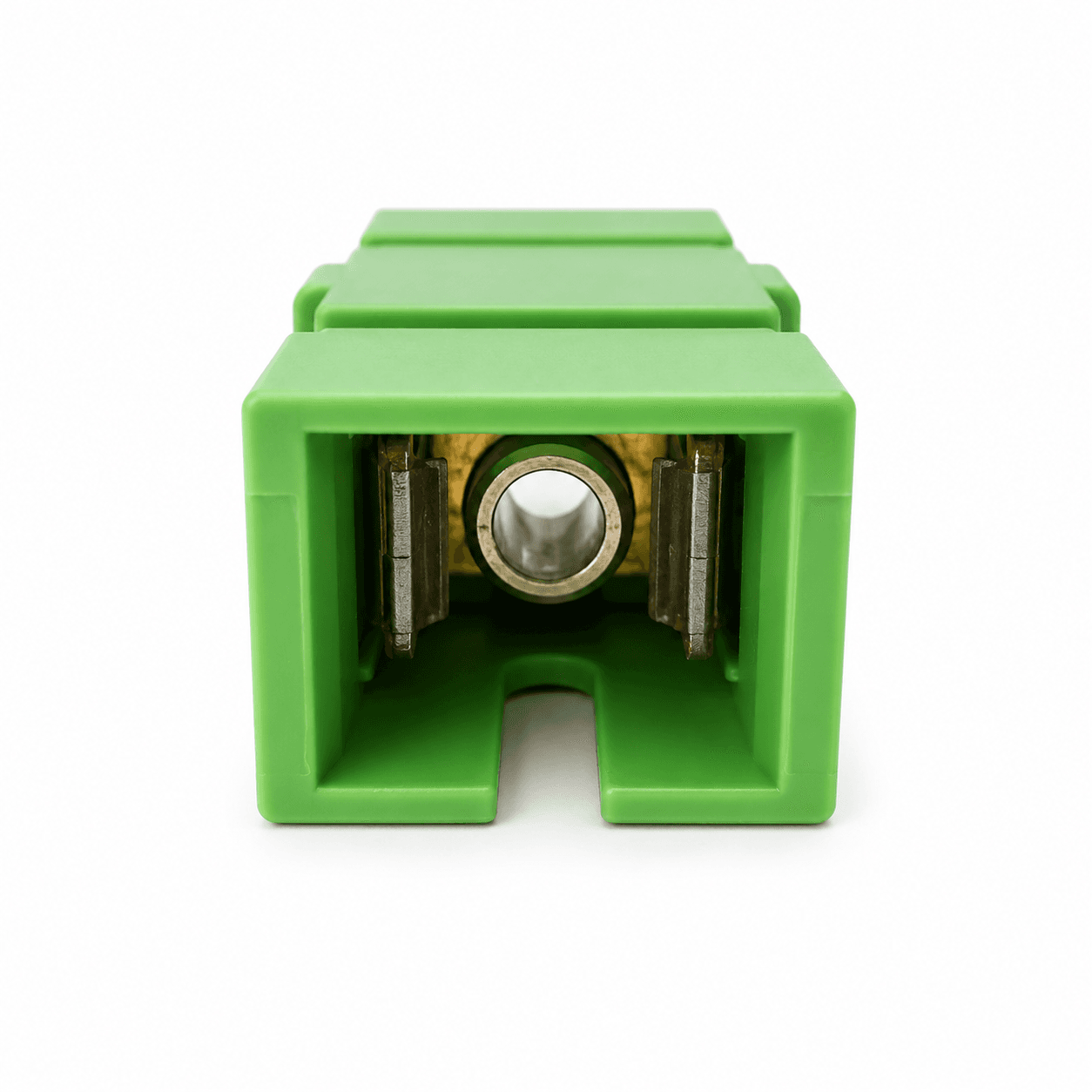
Choose the adapter architecture
Start with interface compatibility, then narrow the footprint and mounting construction.
| Architecture | Use it when | Control fields |
|---|---|---|
| Same-interface | Both sides use the same connector family | Connector family, polish compatibility, simplex/duplex footprint |
| Hybrid | Connector A and Connector B are different families | Both interfaces, polish, orientation, panel access |
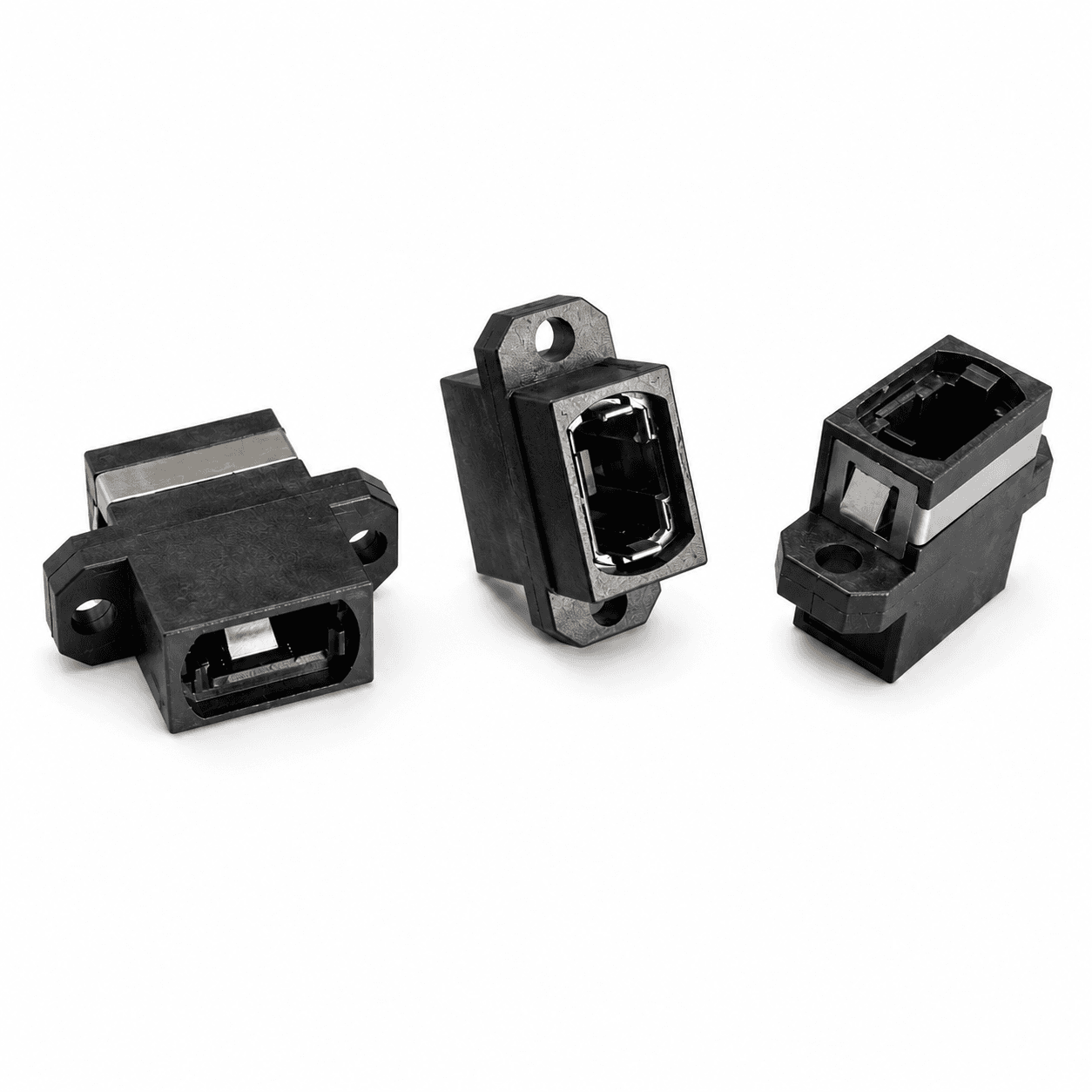
| MTP/MPO | A keyed multifiber connection passes through a panel | Key orientation, footprint, mounting style, housing |
| Shuttered | Dust or laser-safety protection is required at an open port | Shutter side, opening direction, insertion force, clearance |
| Metal or special housing | Environment or enclosure requires a specific construction | Material, grounding or mounting need, panel details |
Resolve the mechanical and optical details
The adapter description should be sufficient for both the link designer and the panel manufacturer.
Polish compatibility
Keep UPC and APC interfaces compatible with the connectors that mate on each side. Do not approve an adapter from housing color alone.
Simplex or duplex
Match the number and spacing of ports to the panel cutout and the connector format.
Sleeve material
Select the alignment-sleeve material according to the connector, performance, durability, and project requirement.
Mounting method
Define flange, flange-less, clip, screw, snap-in, or other retention and provide the panel thickness.
Shutter and caps
State whether shutters or dust caps are needed and from which side the port is serviced.
Housing and color
Use material and color for identification and enclosure coordination, not as a substitute for interface specifications.
Fit the adapter to the enclosure
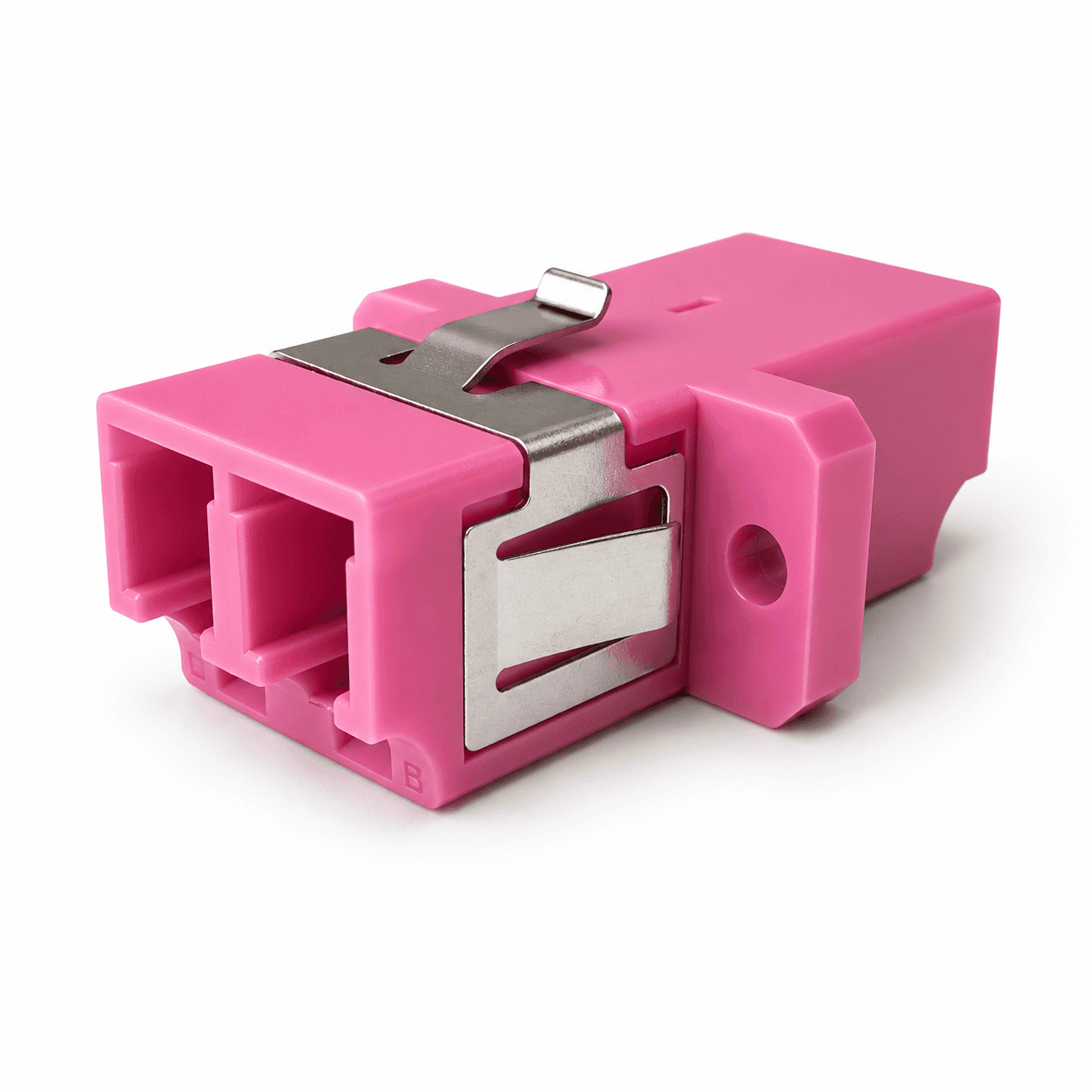
Panel fit should be confirmed from a drawing rather than a product photograph. Record the cutout dimensions, panel thickness, flange orientation, fastener locations, clip direction, and the clearance behind the panel.
Front and rear connector access can differ inside cassettes, wall boxes, ODFs, or equipment panels. Verify that technicians can insert, release, clean, and inspect both sides without loading adjacent fibers.
For hybrid or shuttered adapters, check whether the larger body, opening direction, or dust-protection mechanism interferes with neighboring ports.
Review fit, alignment, and serviceability
A useful approval confirms the adapter inside the actual panel context, not only as an isolated component.
Common selection mistakes
- 01Selecting by housing color instead of interface and polish
- 02Failing to record both sides of a hybrid adapter
- 03Ignoring simplex/duplex cutout geometry
- 04Omitting panel thickness and mounting direction
- 05Choosing a shutter without checking opening clearance
- 06Assuming every MTP/MPO adapter uses the same key orientation
Fiber optic adapter RFQ checklist
Provide the panel drawing or enclosure model when mounting is not already approved. Open fields should be reviewed before a quotation is converted into a production part number.
- 01Application, enclosure, and panel drawing
- 02Connector interface at Side A
- 03Connector interface at Side B
- 04Polish compatibility
- 05Simplex, duplex, or multifiber footprint
- 06Sleeve material requirement
- 07Mounting, flange, clip, or screw details
- 08Shutter and dust-protection requirement
- 09Housing material, color, and labels
- 10Quantity, packaging, destination, and delivery date
Related products
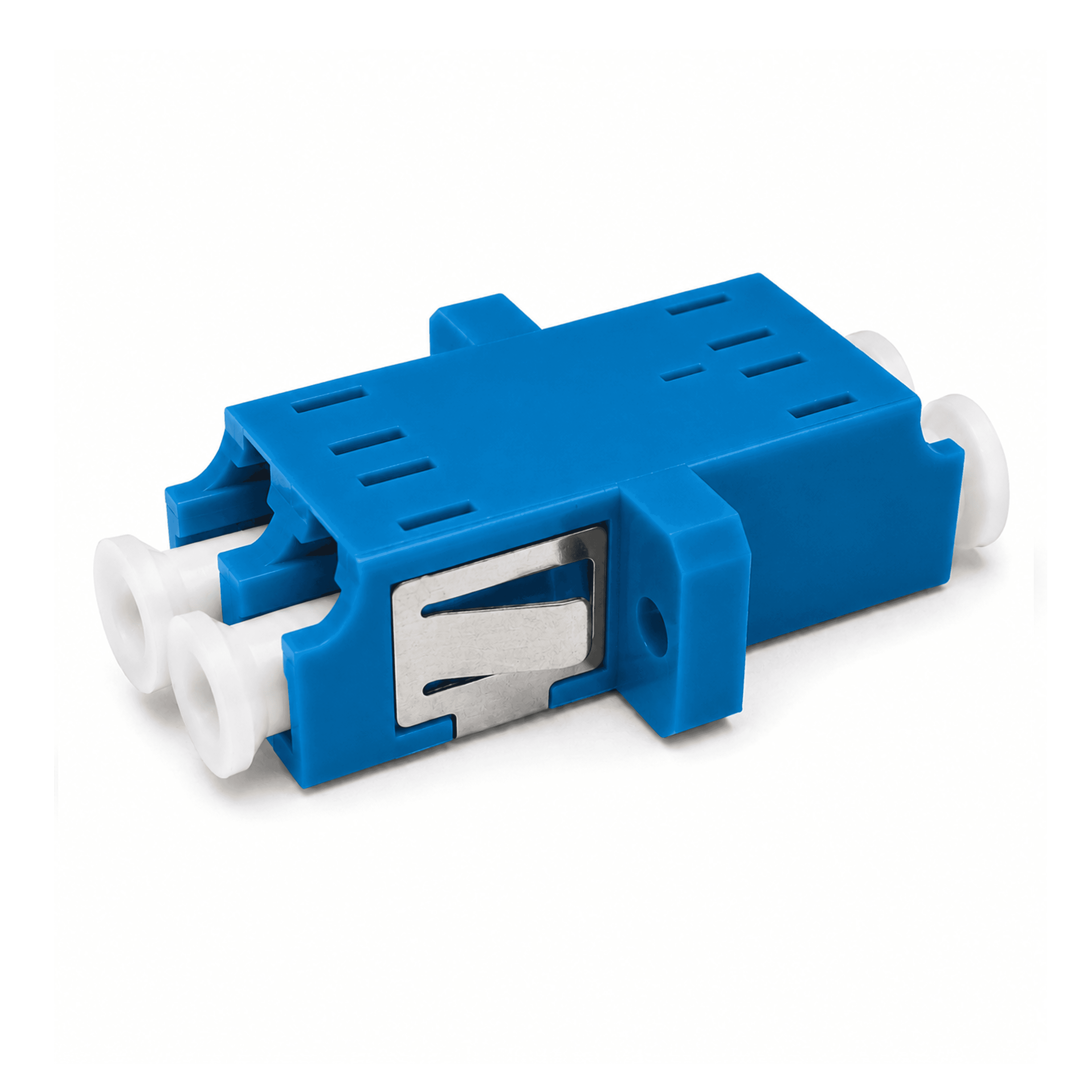
LC Fiber Optic Adapter
Compact LC simplex, duplex, and quad adapters for high-density optical connections.
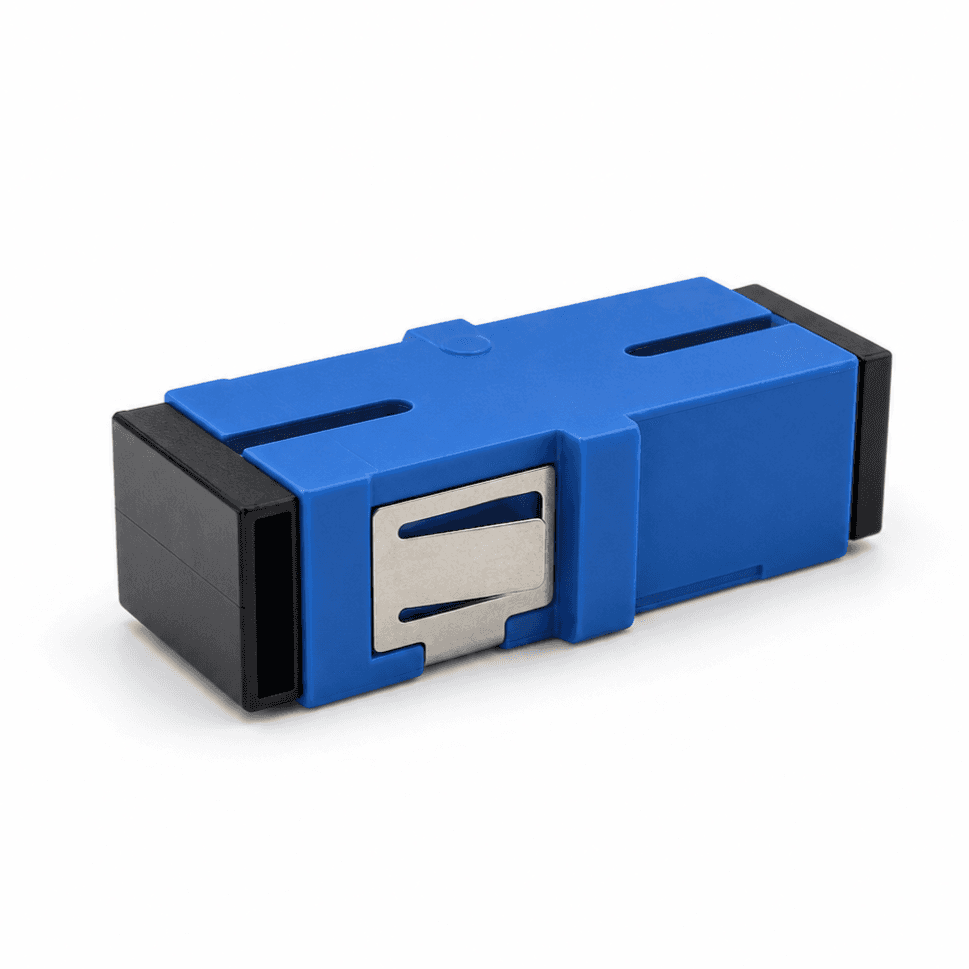
SC Fiber Optic Adapter
SC simplex and duplex adapters for telecom, ODF, FTTH, and equipment connections.
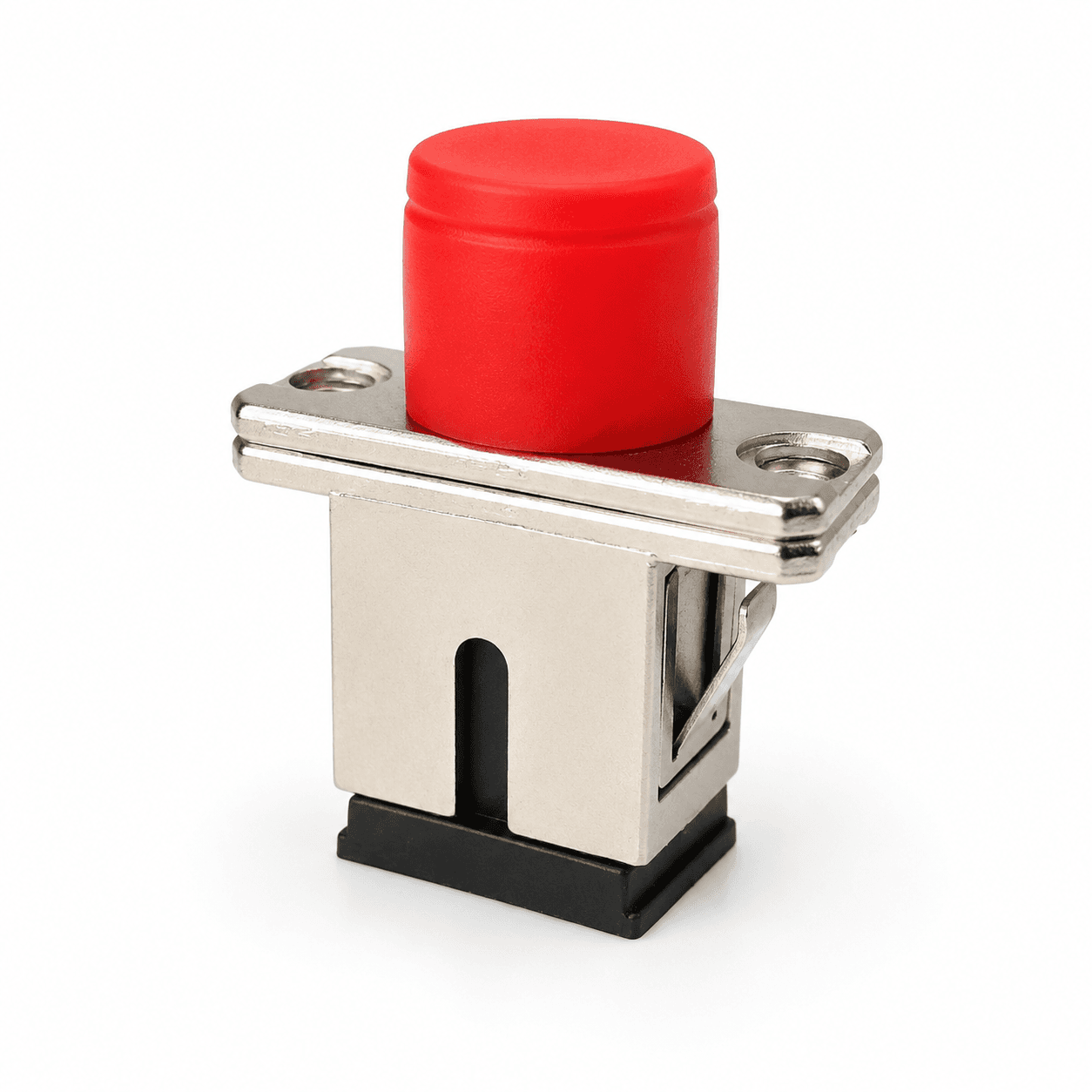
Hybrid Fiber Optic Adapter
Fixed-model hybrid adapters for connecting different LC, SC, FC, and ST fiber interfaces.
Frequently asked questions
How do I choose between simplex and duplex adapters?+−
Match the connector format, required port count, and panel cutout. Duplex adapters combine two aligned channels in one footprint, but the exact mounting geometry still needs confirmation.
Can UPC and APC connectors use the same adapter?+−
The adapter and complete mating path must be selected for compatible interfaces. Do not directly mate UPC and APC connector end faces, and record polish explicitly rather than relying on color.
When should I use a hybrid fiber optic adapter?+−
Use a hybrid adapter when the two sides require different connector families. State both interfaces, polish, orientation, and panel-access constraints.
Does sleeve material matter?+−
Yes. The sleeve supports ferrule alignment and should be selected for the connector, performance, durability, and project requirement. Include the required material in the RFQ when it is controlled.
What panel information is needed for quotation?+−
Provide cutout dimensions, panel thickness, mounting direction, flange or clip requirement, fastener details, port spacing, and front/rear service access.
References and supporting material
- ANSI/TIA-568.3-E — Optical Fiber Cabling and Components Standard.
- IEC 61754 series — Fibre optic interconnecting devices and passive components.
- Fiber Optic Connector Buying Guide
- Browse product drawings
- Reports & Compliance